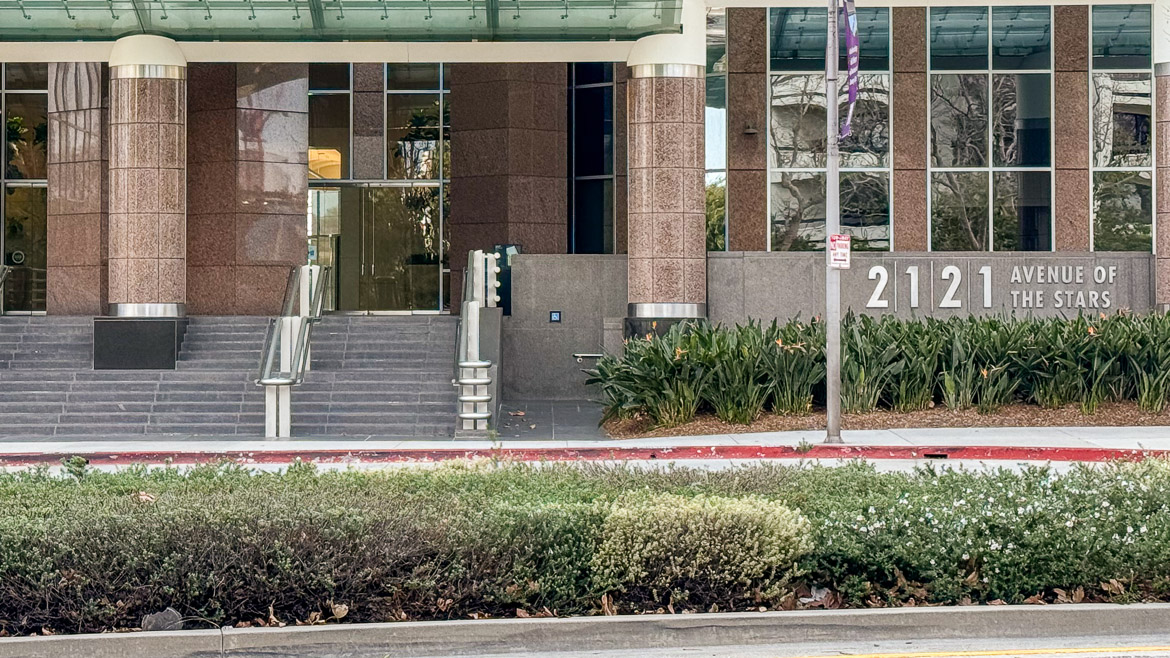
The compony I work at recently moved their LA office from one building to another and I went out to assist with the pre-move setup. I was looking forward to assisting my LA team with the move, visiting Southern California in March, but mostly, I was looking forward to visiting the building that we were moving into.














In 2014 I watched over 200 movies, 80% more than my yearly average. In 2015 I watched 112 movies, which was one off from my yearly average. In 2016 my movies total went back up to 180, 60% more than my yearly average. I have no real explaination, other than that I didn’t do as much reading as I wanted to (and one of my 2017 resolutions).
I think the standout new movie from 2016 was The Lobster, and I really liked The Nice Guys, and Zootopia.