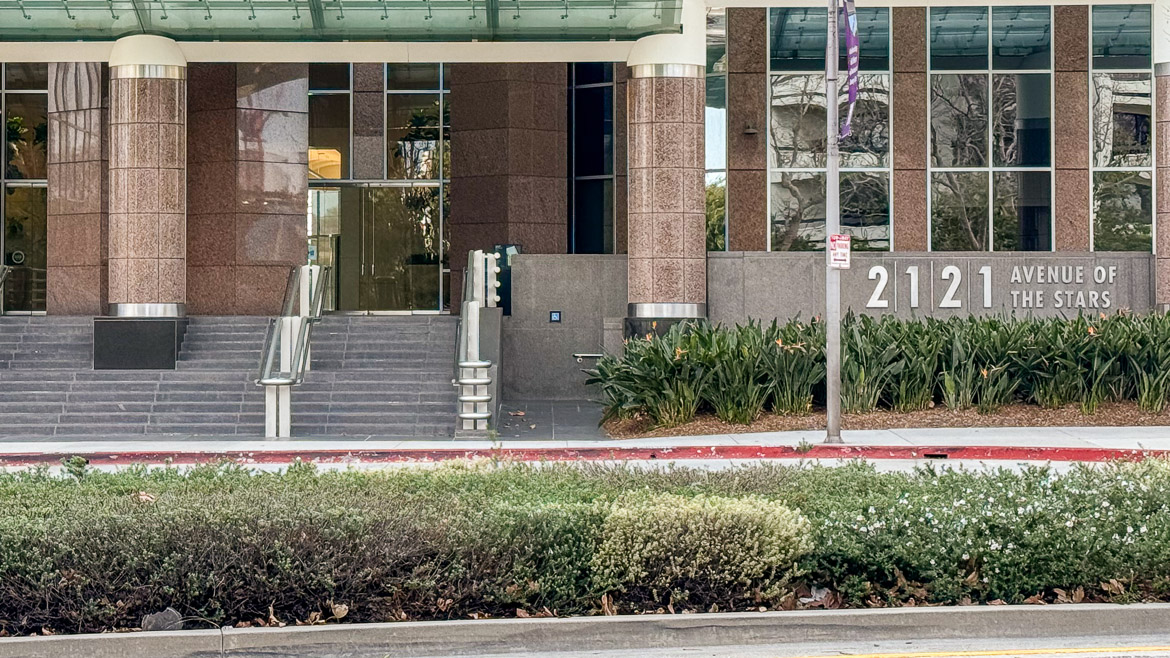
Back in 2006, in the span of four months, I attended both the opening of Apple’s flagship store in NYC and U2′s book signing. At U2′s book signing, I thought one of the members of the press looked familiar, and I made a mental note to go and check my Apple Store opening day photos to see if he was there as well. It’s been about five years, so I guess it’s time to do that.
Continue reading…Entries tagged “Apple”
Christie’s has two interesting auctions coming up. The first is an original Apple-I computer, in original packaging, and is expected to sell for between $160,600 and $240,900.
The second is The Library of Edward Tufte which includes several rare books from the likes of Galileo, Picasso, Ernst, Newton, Descartes, and Euclid.
Update: The Apple computer sold for $210,000.
An analysis of Flickr photos shows that Apple’s 5th Avenue store is the 5th most photographed location in NYC. The Statue of Liberty comes in 7th.
(in the photo that accompanies the post, you can see the back of my head and my backpack from opening day).
Apple introduced the hotly anticipated “iPad“, which is basically just a giant iPhone or iPod touch. I, and I think it’s safe to say that most people, wanted the below:
There is one “feature” that I find interesting…apparently, the 3G service from AT&T will be month-to-month, non-contractual, and can be activated or deactivated at any time from the device itself. Oh, and it’s SIM unlocked, so you can put any SIM with a data plan in there.
(is it just me, or does the name “iPad” sound like some sort of technologically advanced tampon?)
13-year-old swaps his iPod for a Sony cassette Walkman for a week. Scott Campbell (the 13-year-old in question):
It took me three days to figure out that there was another side to the tape. That was not the only naive mistake that I made; I mistook the metal/normal switch on the Walkman for a genre-specific equaliser, but later I discovered that it was in fact used to switch between two different types of cassette.
How come Interface Builder 3.1, the latest version as of the time of this post, shows rounded application menu corners when OS X Leopard did away with them?

This evening I was copying a large video file from my desktop “server” to my Mac laptop over wireless. During the transfer, my wireless router conked out, as it does once in a while. When it conks out in the particular fashion that it did this evening, it generally takes about 20 minutes for it to recover, and all wireless networking is useless during this time. Because this “conk out” happened in the middle of a file transfer, Finder became hopelessly confused, even after the wireless connection was reestablished. As I tried to get Finder to behave correctly, it became clear to me that I was going to have to restart it.
In the past, when I’ve needed to quit a misbehaving application, I click on the little blue Apple logo in the menu bar, click on the “Force Quit…” menu item, and the “Force Quit Applications” window would open. I couldn’t do that this evening since Finder is the application responsible for making the little blue Apple logo in the menu bar function. Since I couldn’t use the mouse to accomplish what I wanted, I had to use the keyboard, but as I reached for the keys to bring up the “Force Quit Applications” window, it hit me that I have no clue what key combination to use.
In Windows, it’s the ubiquitous Ctrl-Alt-Del — a combination that’s been drilled into my head since the days of PC-DOS 1.0. MS wisely continued to use it in Windows for the same general purpose, and everyone, even my mother, knows to try it when things start behaving badly. Because my Mac hardly ever crashes, I have really never needed to use the combination of keys, and therefore hadn’t memorized them. It happens to be Option-Command-Esc, but it took me a few minutes using my iPhone browser to find them.
One of the good things about the Mac being so stable is that you don’t need the emergency key combination’s often. The bad thing, is that when you do, you probably don’t remember them. I think I’m going to print out this list of keyboard shortcuts and store it somewhere.
The new danger is that I won’t remember where I put it.
It’s been about a year since I made my Mac my full time, main-use, home computer. In that time I’ve learned a few things about Apple, the Macintosh, OS X, Microsoft, Windows, and even a little bit about myself.

I wouldn’t call myself a Mac geek, fanatic, or cult member, since I have only owned a Mac for less than a year, but in the interest of full disclosure, I will say that I have been a fan of Apple for many years, have wanted to own a Mac for most of that time, and am typing this on a Mac right now.
Background
I have been to the Apple store in the SoHo section of NYC several times for shopping, browsing, presentations, and once for support. It’s a very nice store, with wide open areas, a large array of products, and you can tell that it was designed with nice balance of both form and functionality. It really is different than most retail stores, but in line with the style that most large SoHo stores in the area have. One thing that I really like about the Apple store is the employees and the attitude they have. They will ask you if you need help, but if you say, “No thanks, just looking,” they will leave you completely alone. They are friendly if you let them, and quiet if you want them to be. Another cool thing about the store is that they have instant check-out for products that are available on the floor (i.e. external hard drives, mouses, iPods & accessories, books). Employees have little hand held scanners that will scan the item you want, and scan your credit card to complete the transaction. You can be out the door in less than five minutes without waiting on a line. Very cool.
Well, it’s been more than a week since the incident and it seems to be fine. One thing I have noticed is that when I go out in the morning, and I go to turn it on, pressing the “play” button does not do anything. I have to press the “menu” button, have the Apple logo show up for a moment, but then it goes back to exactly where it was when it was last shut off, even if it was in the middle of the song. I don’t remember if it did that before the incident, but I know that the regular iPod does not do that.
Related
Today was a good test for the iPod.
When I woke up, the display of the iPod was back to normal. The scroll wheel was also functioning fine. If I didn’t know that this iPod had been in the toilet for a few minutes, I wouldn’t know there was anything wrong with it.
I had to go into the office today and used the iPod for the 25 minute walk there without a problem. After finishing in the office, I walked to the fish store and back to the office (total of 60 minutes) and the iPod functioned flawlessly. I also listed to it on the way home from the office without issue.
I’ll need to test it for a few more days before I feel it is fine, but with today’s test, it worked flawlessly.
Related
It’s been charging a couple of hours now and the display now shows the large full battery icon and it says “Charged” at the top. I unplugged it from the USB cable, and it seems to be working fine right now. The scroll wheel is still a bit weird and the display hasn’t changed from before, but it is playing music.